
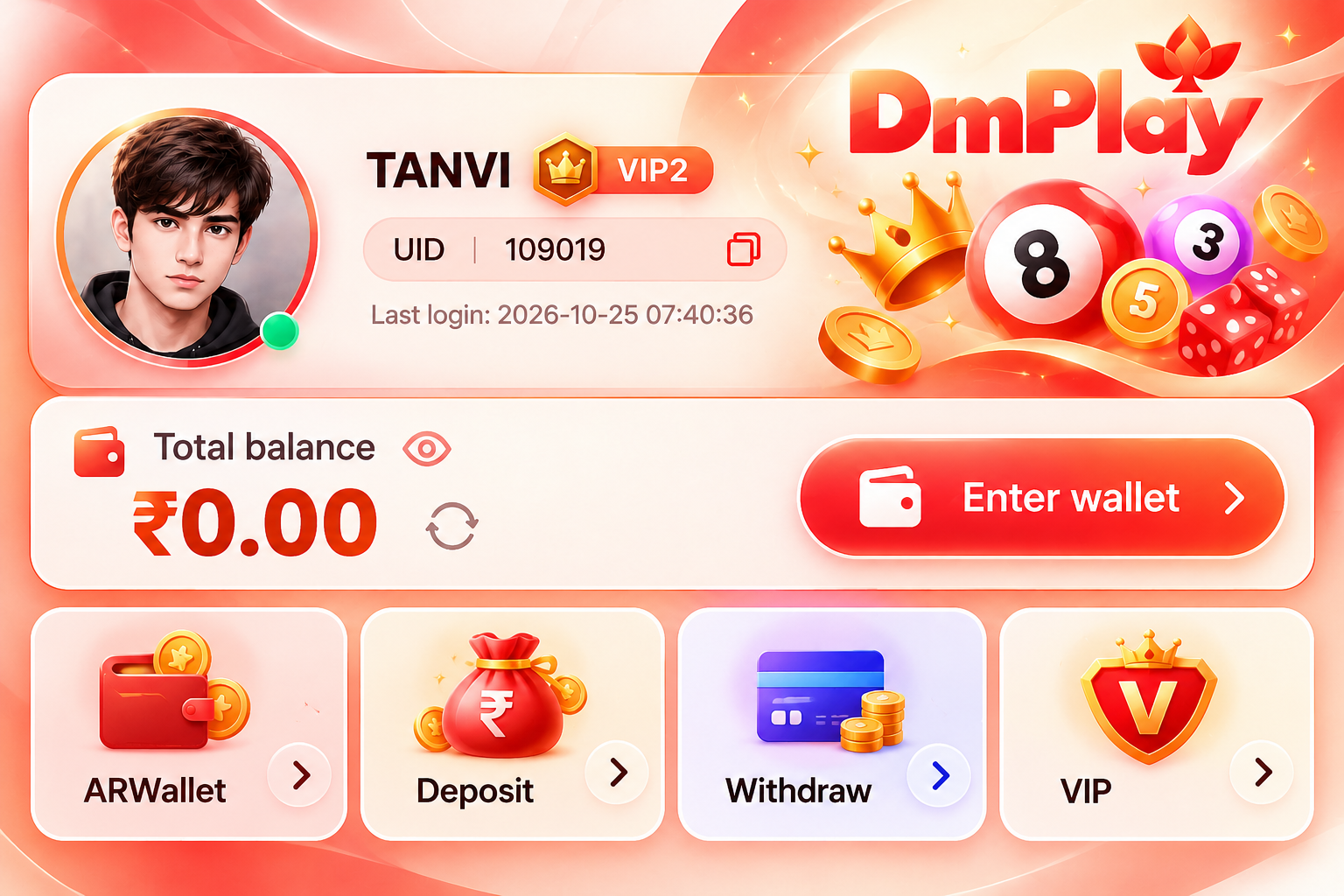
How to Deposit in DMPlay
- Log in to your DMPlay account.
- Open the Account section.
- Select Deposit.
- Choose an available payment method and enter the amount.
- Follow the on-screen instructions to complete the payment.
- After payment, submit the correct UTR or transaction reference number wherever requested.
- Keep your payment confirmation for future reference.
Submitting the correct UTR number helps support identify and investigate a payment if the deposit is not credited.
DMPlay Deposit Not Received – How to Fix It
If your payment was successful but the amount is not showing in your DMPlay game wallet:
- Check your bank or payment app to confirm the transaction status.
- Open your DMPlay account and review the transaction history.
- Verify that the UTR or transaction reference was submitted correctly.
- Contact official in-game customer support if the payment remains uncredited.
- Provide the payment screenshot, UTR number, transaction date, amount and video proof if requested through the official support channel.
- Keep your transaction evidence until the issue is resolved.
Never share your banking password, OTP or UPI PIN with anyone claiming to provide support.
DMPlay Deposit Bonus – Check Promotion Conditions
Before claiming a DMPlay deposit bonus, review the applicable promotion details, minimum deposit, eligibility requirements and any turnover or withdrawal conditions.
Check the current offer inside your account before making a deposit. Do not assume every deposit qualifies for every bonus.
DMPlay Withdrawal Rules – Understanding 3X Turnover
DMPlay withdrawal eligibility may depend on account verification, available balance and the platform's applicable terms.
Where the stated 3X deposit turnover requirement applies, eligible turnover must equal three times the relevant deposit amount before a withdrawal request can qualify.
Example: If the deposit is ₹5,000 and the applicable turnover requirement is 3X, the required eligible turnover is ₹15,000.
Calculation: ₹5,000 × 3 = ₹15,000.
This example explains the calculation only. Whether a transaction counts toward eligible turnover depends on the applicable platform rules.
DMPlay Withdrawal Not Received – Troubleshooting Guide
If your DMPlay withdrawal has not arrived:
- Open your account and check the withdrawal transaction status.
- Review the payment details and any processing message.
- Check whether the stated processing timeframe has passed.
- If the withdrawal remains pending beyond the advertised 24-hour processing period, contact official in-game customer support.
- Provide your withdrawal reference, date, amount and relevant transaction evidence.
- Keep the support reference until the issue is resolved.
The 24-hour timeframe is the platform's stated processing period, not an unconditional guarantee that every withdrawal will arrive within that time.
DMPlay Customer Support for Deposit and Withdrawal Problems
For unresolved DMPlay deposit problems or withdrawal issues, use the official customer support channel available inside the game or account.
Provide accurate transaction details and relevant evidence. Never share passwords, OTPs or UPI PINs.