
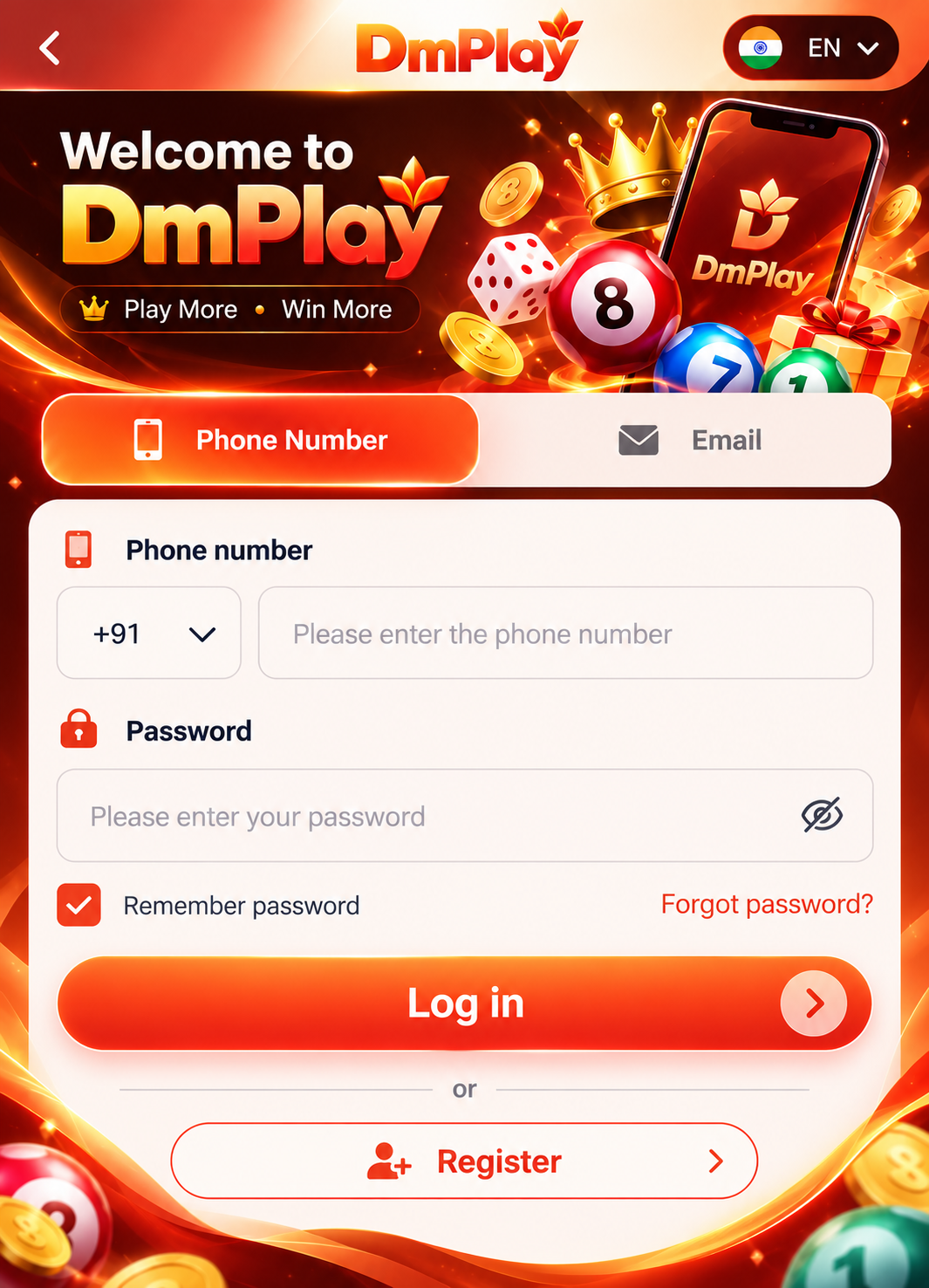
Signing in
- Open the platform using a bookmark or a link you trust.
- Check the web address before typing anything.
- Enter the phone number or email you registered with, then your password.
- Complete any verification step the platform asks for.
If you forget your password
Use the platform's own “forgot password” option. It normally sends a code or link to your registered phone or email. DMPlay cannot reset passwords because we do not hold accounts.
Spotting fake login pages
- Misspelled or unusual web addresses.
- Messages pressuring you to log in urgently.
- Anyone asking you to share a one-time code.